Study With Hannah · Product Tour
Four years of medical school, indexed
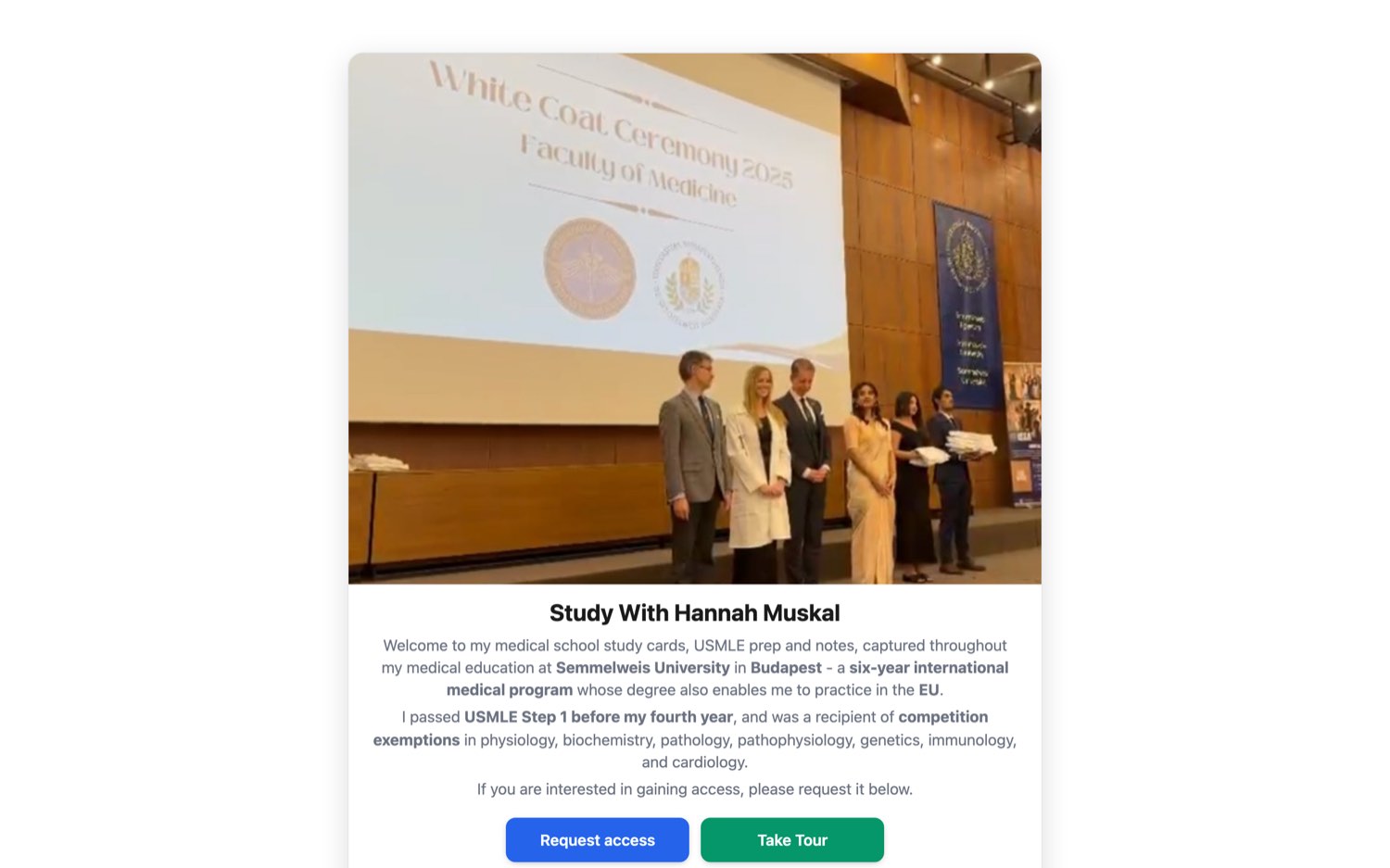
Hannah Muskal has kept every card, slide, and note from four years — so far — of her six-year medical program at Semmelweis University in Budapest. This is that archive: searchable by text, by image, and by asking it questions directly.
Where the material comes from
One student’s four years, made searchable
The public door. Visitors meet Hannah, see what the archive is, and request access. Everything past this page is gated — the archive is a paid, private library, not an open corpus.
Tutorial: click Request access to apply, or Already have a login? to sign in.
01 / 10
Step 1 · Orient
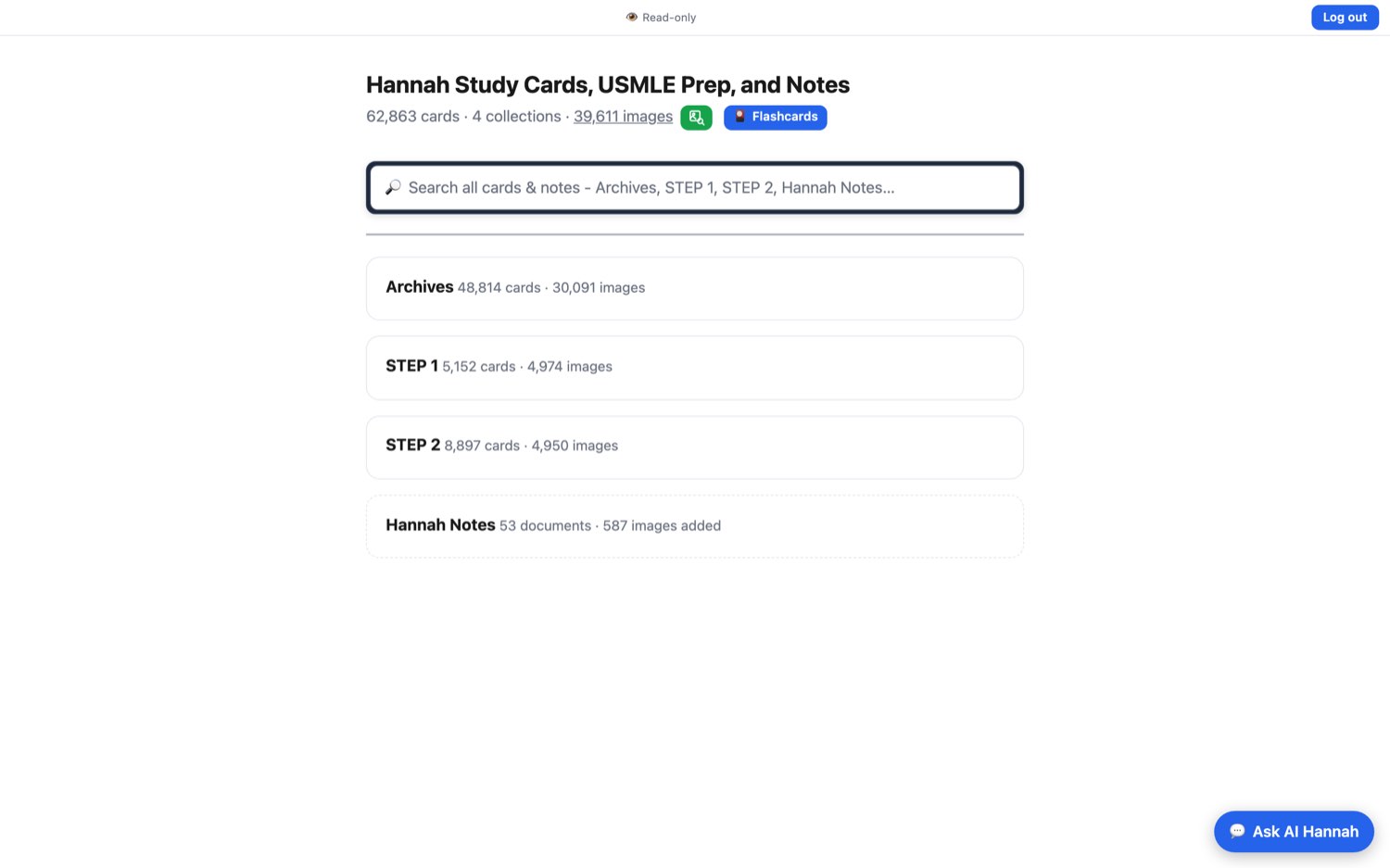
Four collections (so far), one search bar
After sign-in, the whole archive fits on one screen. Archives is the running record of Hannah’s coursework; STEP 1 and STEP 2 are exam-matched; Hannah Notes holds the source documents the cards were drawn from. More are still being added.
Tutorial: the top search bar spans every collection at once. The green button jumps to image search; the blue one starts a flashcard round.
02 / 10
Step 2 · Browse
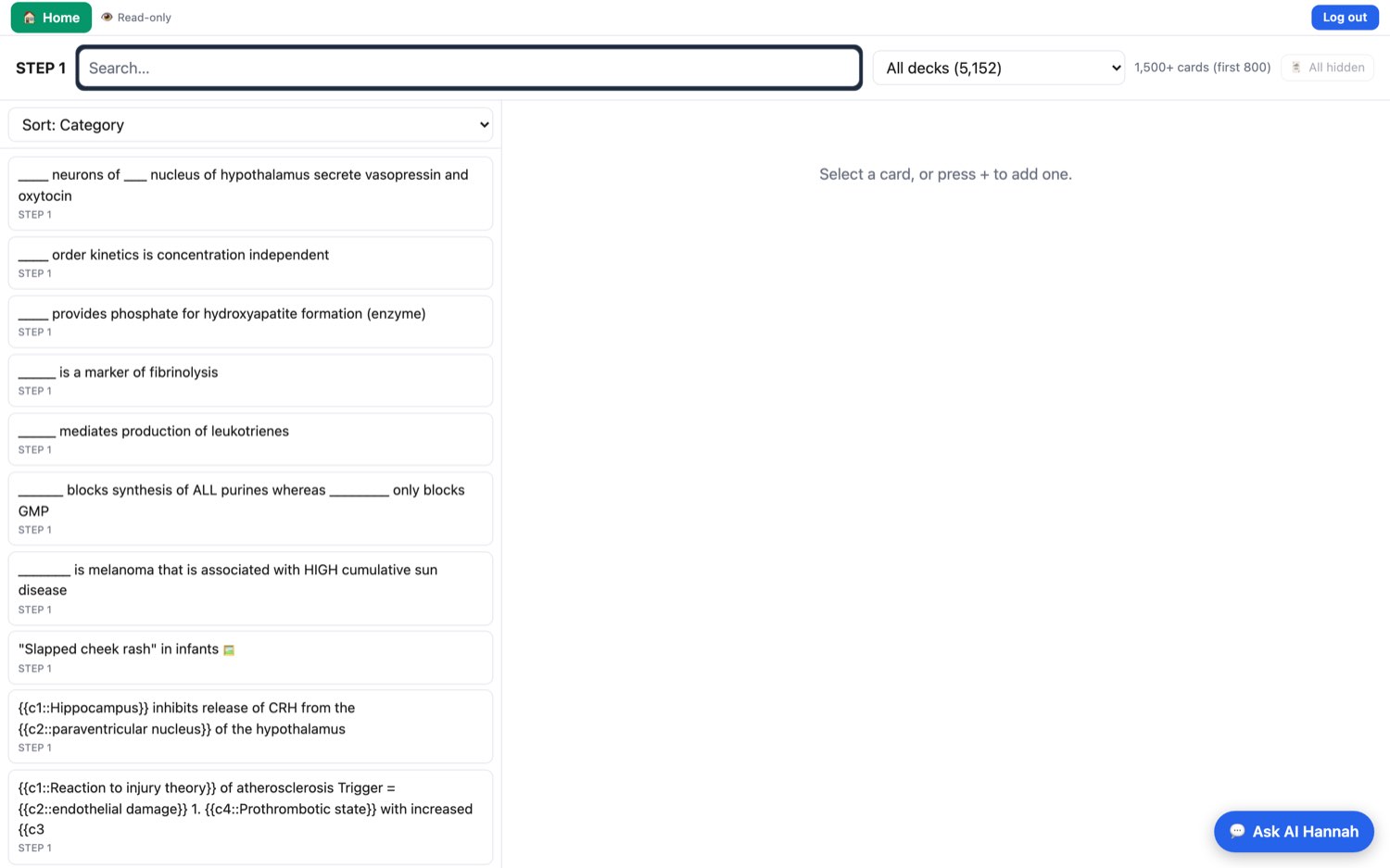
Every card, sorted the way you study
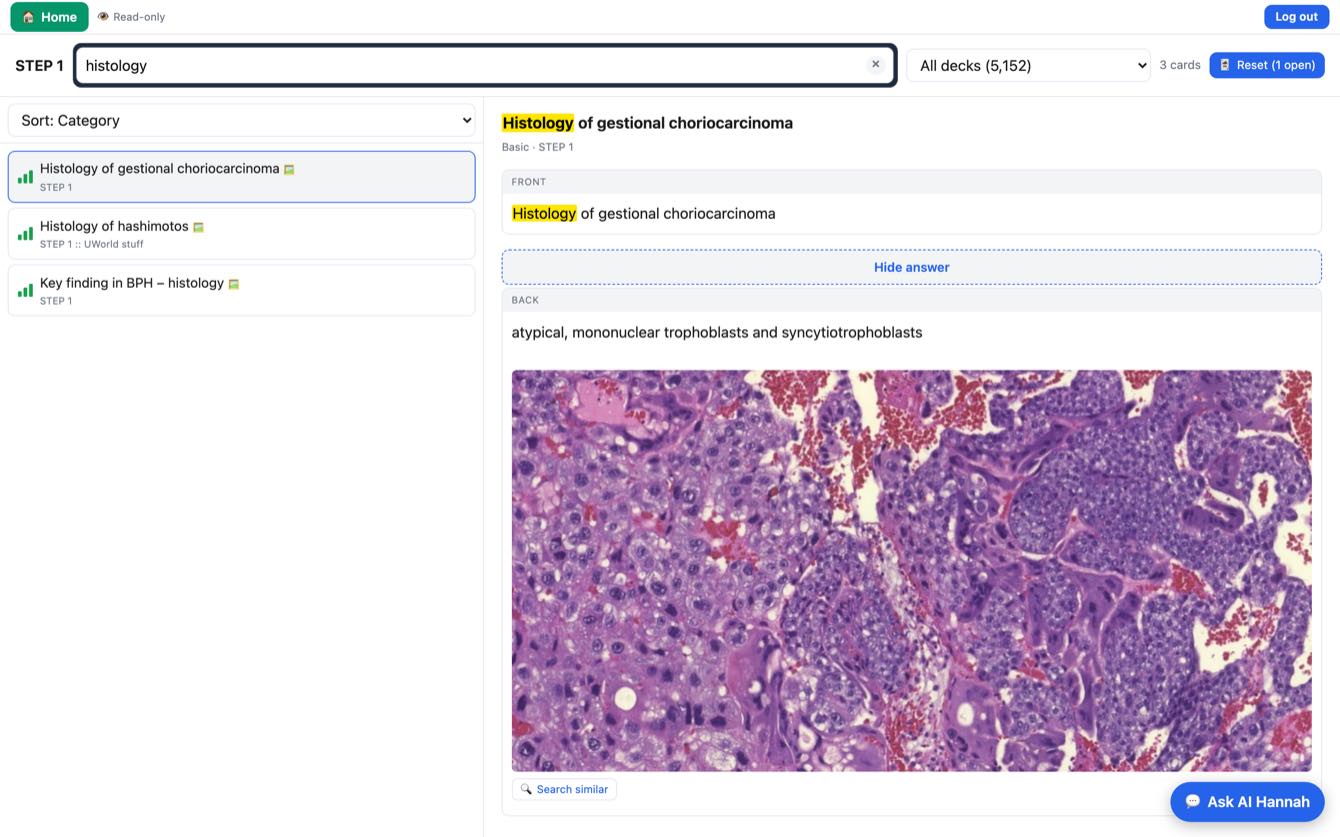
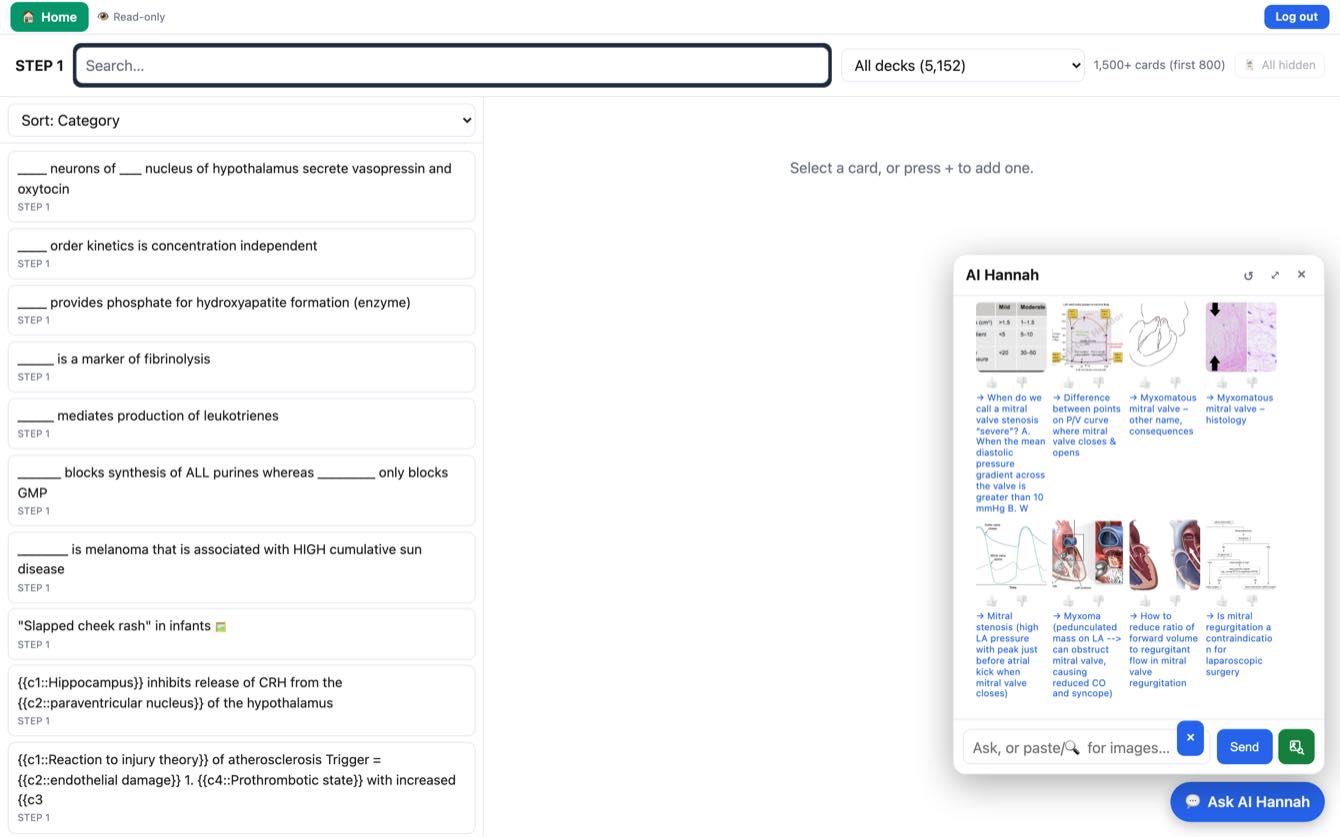
Pick a collection and the cards list on the left, the selected card renders on the right. Filter by deck, sort by category, or type to narrow 5,152 cards down to the three that matter.
Tutorial: cards marked with a 📈 bar icon carry a difficulty signal — how often that card gets graded Hard.
03 / 10
Step 3 · Read
Answers stay hidden until you commit
Cards open front-side only. Reveal the back and you get the answer plus the slide it was taught from — here, the trophoblast morphology of gestational choriocarcinoma.
Tutorial: Search similar under any image is the hook into the visual index — it finds every other slide in the archive that looks like this one.
04 / 10
The differentiator
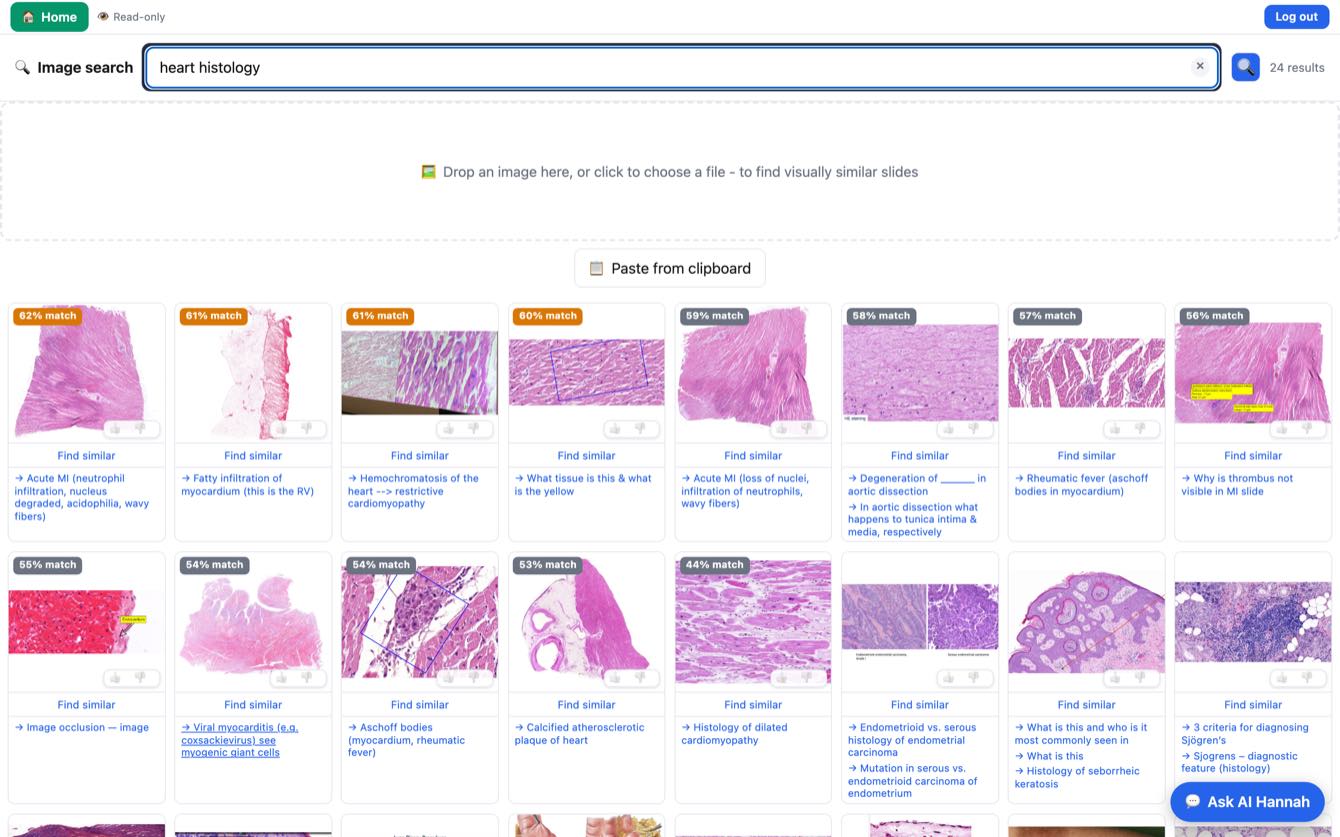
Describe a slide. Get the slide.
39,611 medical images, indexed by what they look like, not by filename. Type “heart histology” and the archive returns ranked visual matches — each one linked back to the card that teaches it.
Every result carries a match score and a → link to its source card. Thumbs up / down tunes the index.
05 / 10
The differentiator
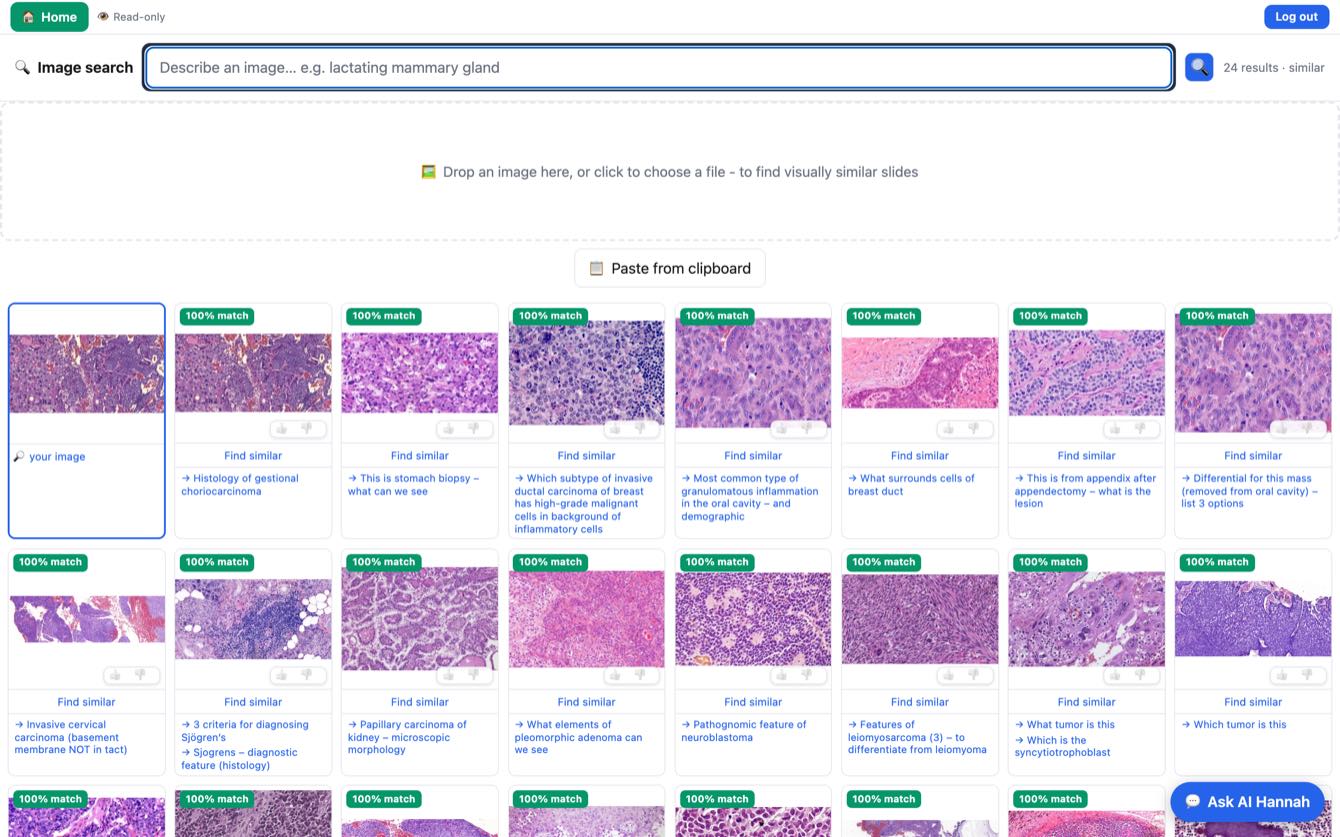
Or drop in an image and find its twins
Reverse image search across the whole archive. Drag a slide from a lecture, a textbook, or a phone photo of a microscope eyepiece into the drop zone — the archive returns what it is, and what else looks like it.
Tutorial: works from a file, a dragged URL, or the clipboard. The first tile is always your image, for reference.
06 / 10
Step 4 · Ask
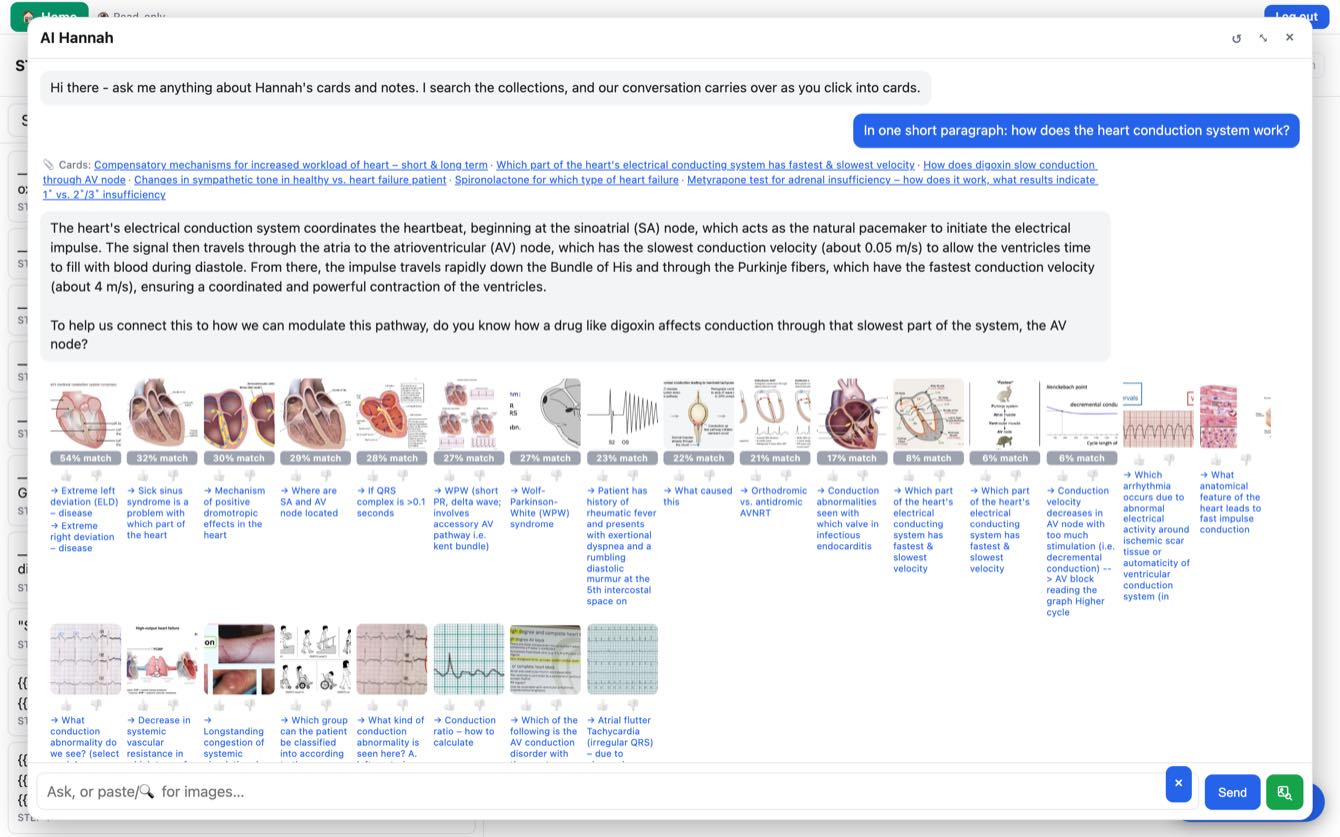
A tutor that has actually read the cards
AI Hannah answers from the archive, not from the open internet. It cites the specific cards behind each answer, pulls the relevant slides inline, and — as here — ends by asking you the next question.
That closing question is the point. It teaches Socratically instead of just retrieving.
07 / 10
Step 4 · Ask
The chat panel follows you into the cards
Ask for images and the conversation returns a scored grid without leaving the page. The panel rides along as you click into cards, so context carries from question to question.
Tutorial: paste an image directly into the chat box to ask “what am I looking at?”
08 / 10
Step 5 · Drill
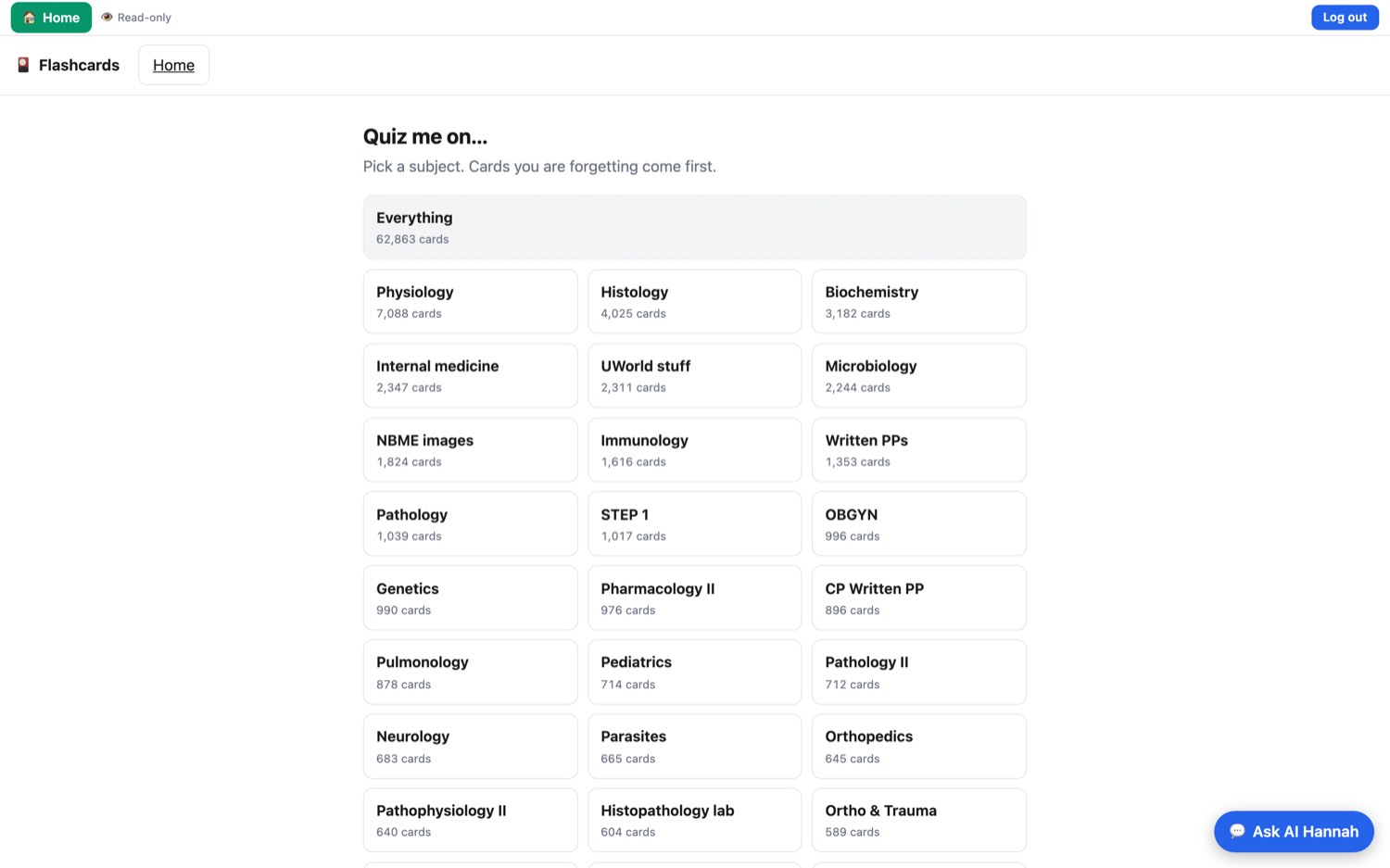
Quiz me on…
Thirty-plus subjects, each a real deck with a real count. Physiology alone runs 7,088 cards. Pick one, or take the whole 62,863.
Cards you are forgetting come first — the scheduler surfaces fading material ahead of everything else.
09 / 10
Step 5 · Drill
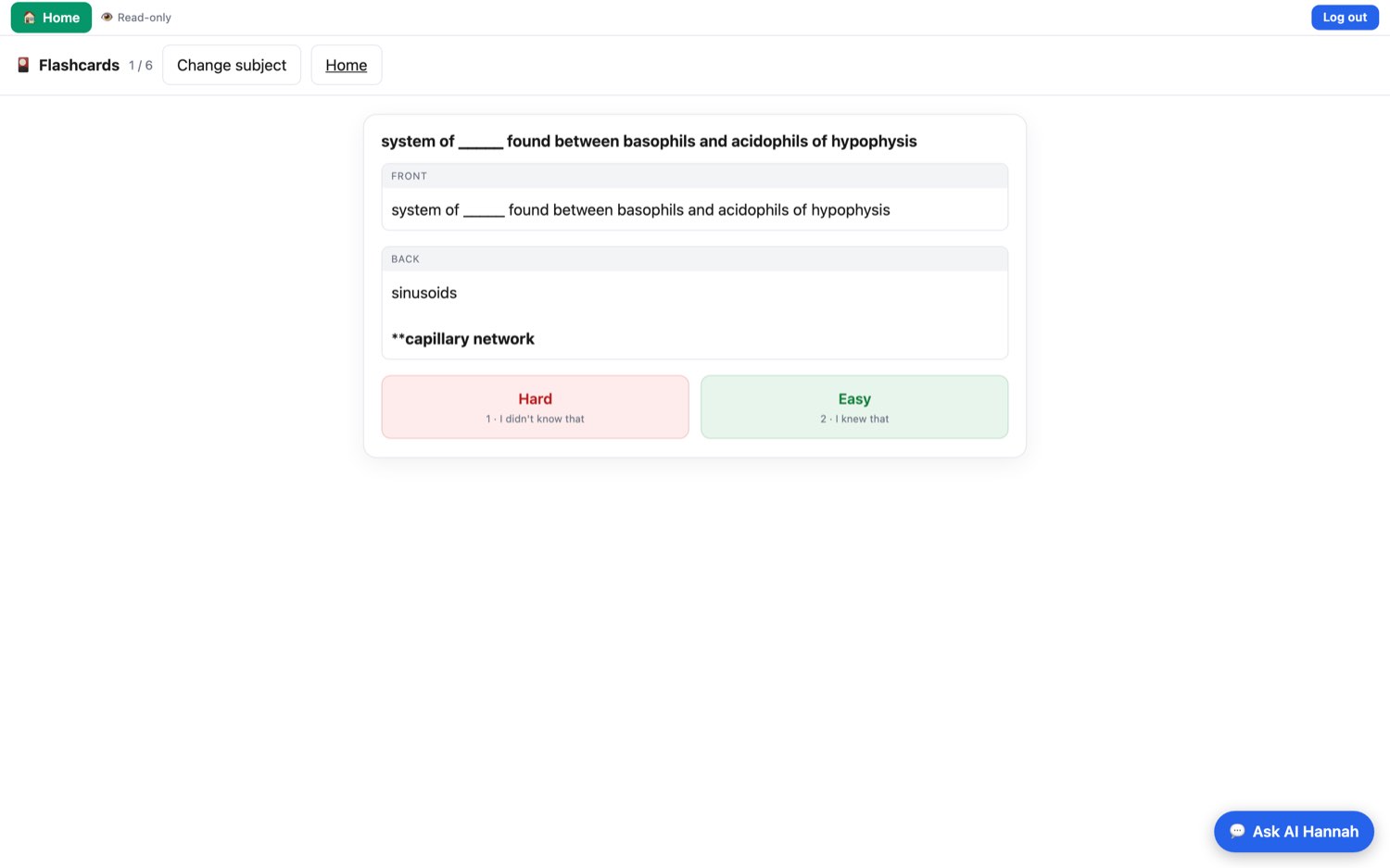
Two buttons. That’s the whole ceremony.
Front side, then Show answer, then an honest self-grade. Hard pulls the card forward; Easy pushes it out. No decks to configure, no intervals to tune.
Tutorial: press space to reveal, then 1 for Hard or 2 for Easy. Never touch the mouse.
10 / 10
The notes that got one student through.
Now searchable by anyone studying the same material — with a visual index no textbook can offer and a tutor that has read every card.
Request accessScreens captured live from studywithhannah.com · July 2026